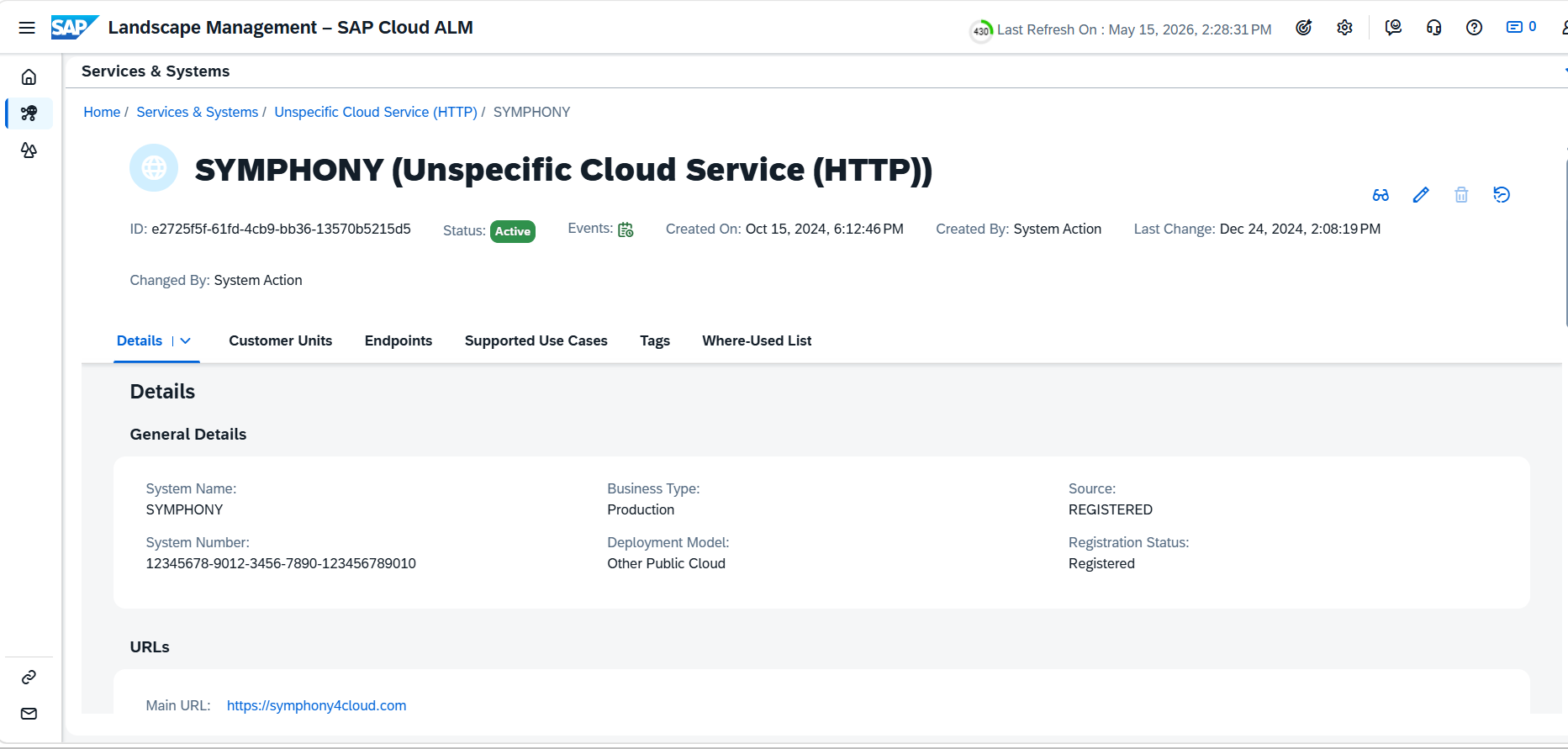
Configure Landscape Management in SAP Cloud ALM
Establish the connection between Symphony and SAP Cloud ALM before scheduling jobs.
SAP Cloud ALM tenant – Landscape Management
Before configuring and monitoring jobs in SAP Cloud ALM, certain prerequisite setup activities must be completed within the Landscape Management section of the SAP Cloud ALM tenant. These configurations establish the required connection between Symphony and SAP Cloud ALM, enabling seamless job scheduling, monitoring, and data publishing.
Landscape Management acts as the foundation for integrating external services and applications with SAP Cloud ALM. Proper configuration ensures that job execution details, monitoring information, and automation data are accurately synchronized between systems.
Follow the steps in your SAP Cloud ALM tenant under Landscape Management:
- Create a new service in SAP Cloud ALM with the service type configured as Unspecific Cloud Service HTTP.
- Copy and save the generated Service ID, as it will be required as an input parameter during data publish job configuration.
- Maintain the Symphony application URL in the service configuration to enable forward navigation from the SAP Cloud ALM Monitoring UI.